How smart distribution transforms your ensemble workflow
Experience the problem-solution workflow that makes Maestro Amadeus different from basic file-sharing tools.
See how we streamline every step from upload to performance.
Upload your scores
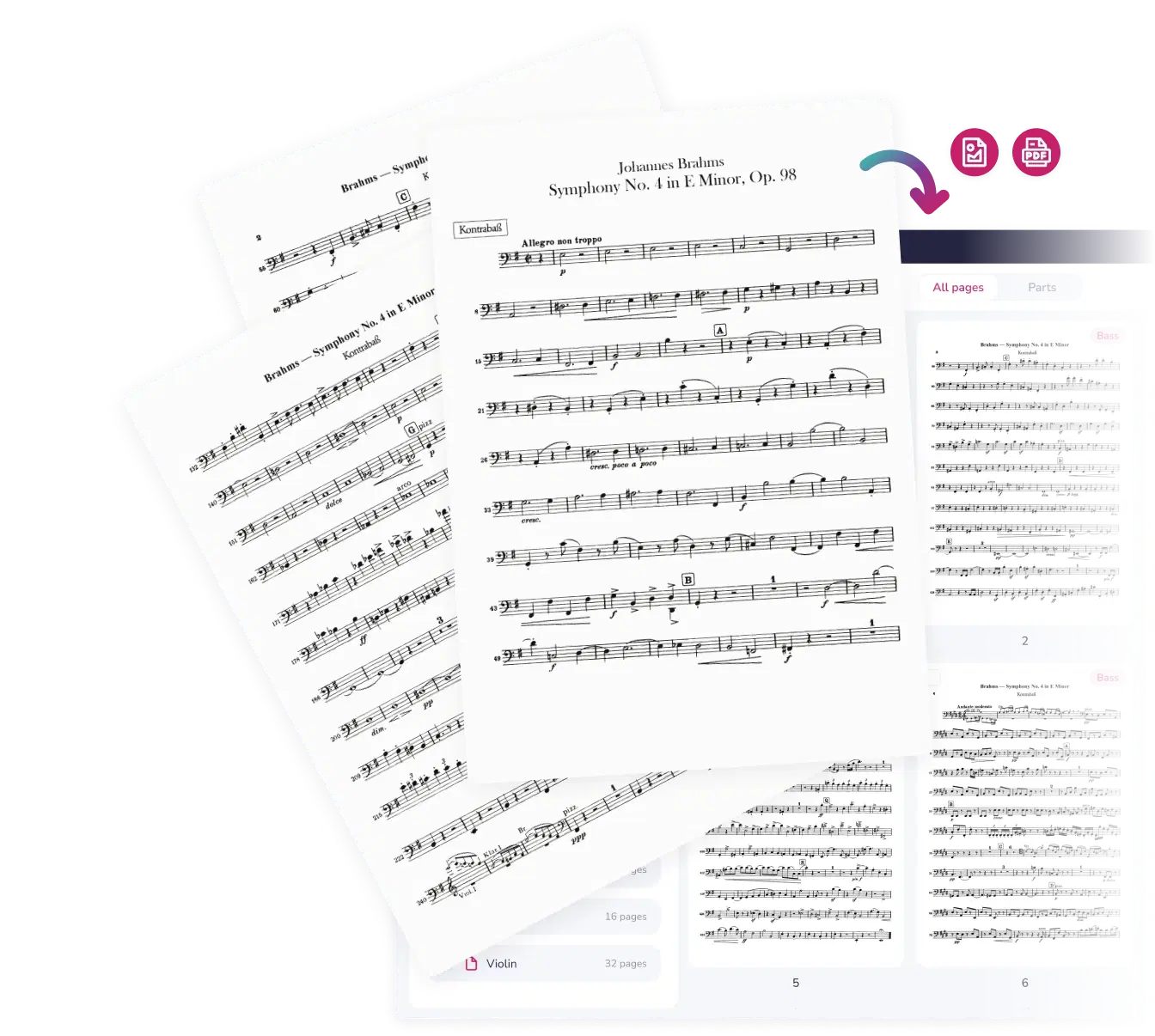
Upload your PDF or image. AI recognises the parts and assigns them to the sections in your ensemble, or creates the sections for you.
Invite your musicians
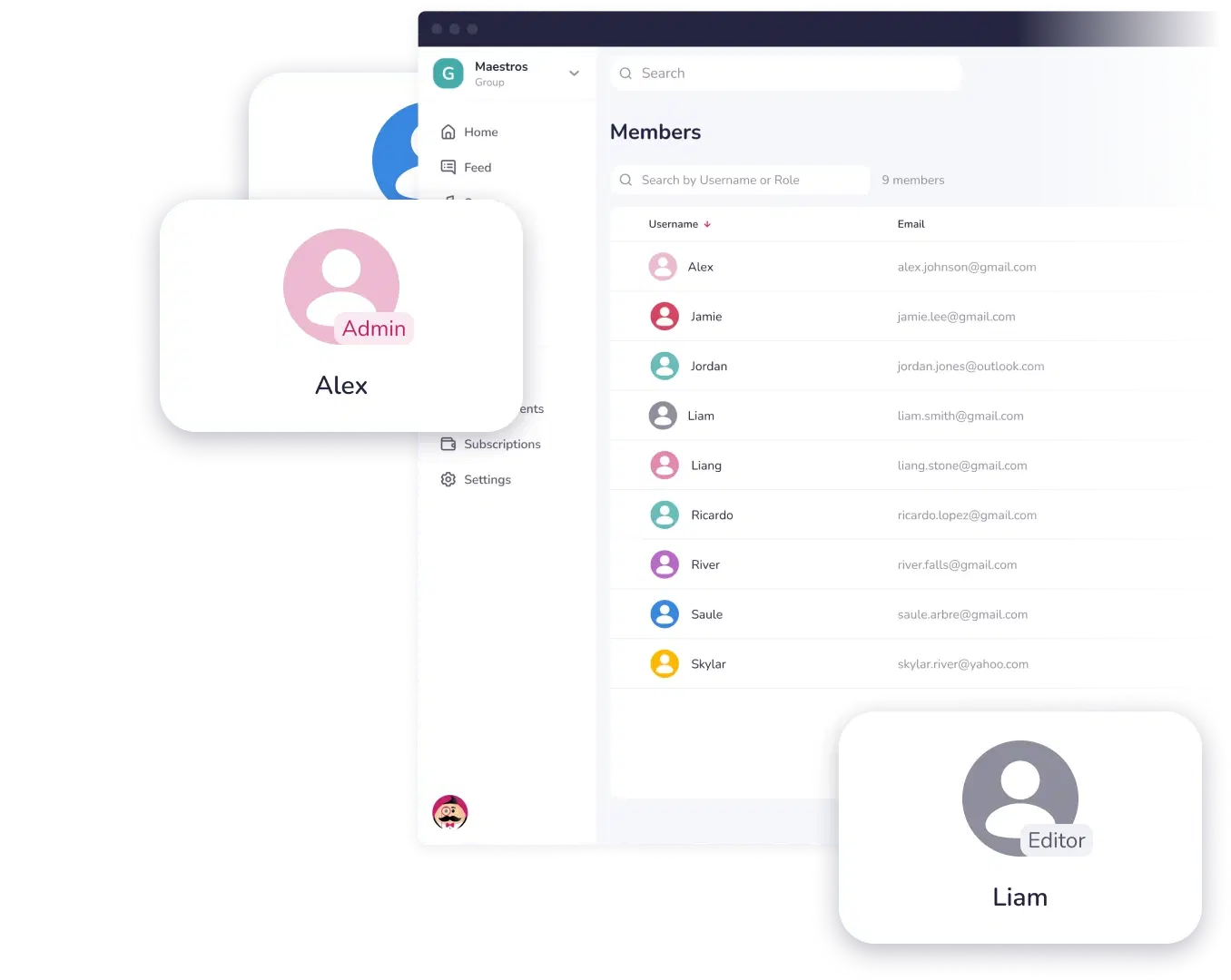
Invite members by email or CSV and give each one a section. Their part is already waiting when they sign in. Start with your section leaders and add the rest later.
On tablet or on paper
Musicians open their part on a phone, tablet or laptop, also offline. Nobody needs a tablet: with Smart Print, the conductor or librarian prints the parts with the chosen markings, desk numbers and page numbers.
Mark once, reaches everyone
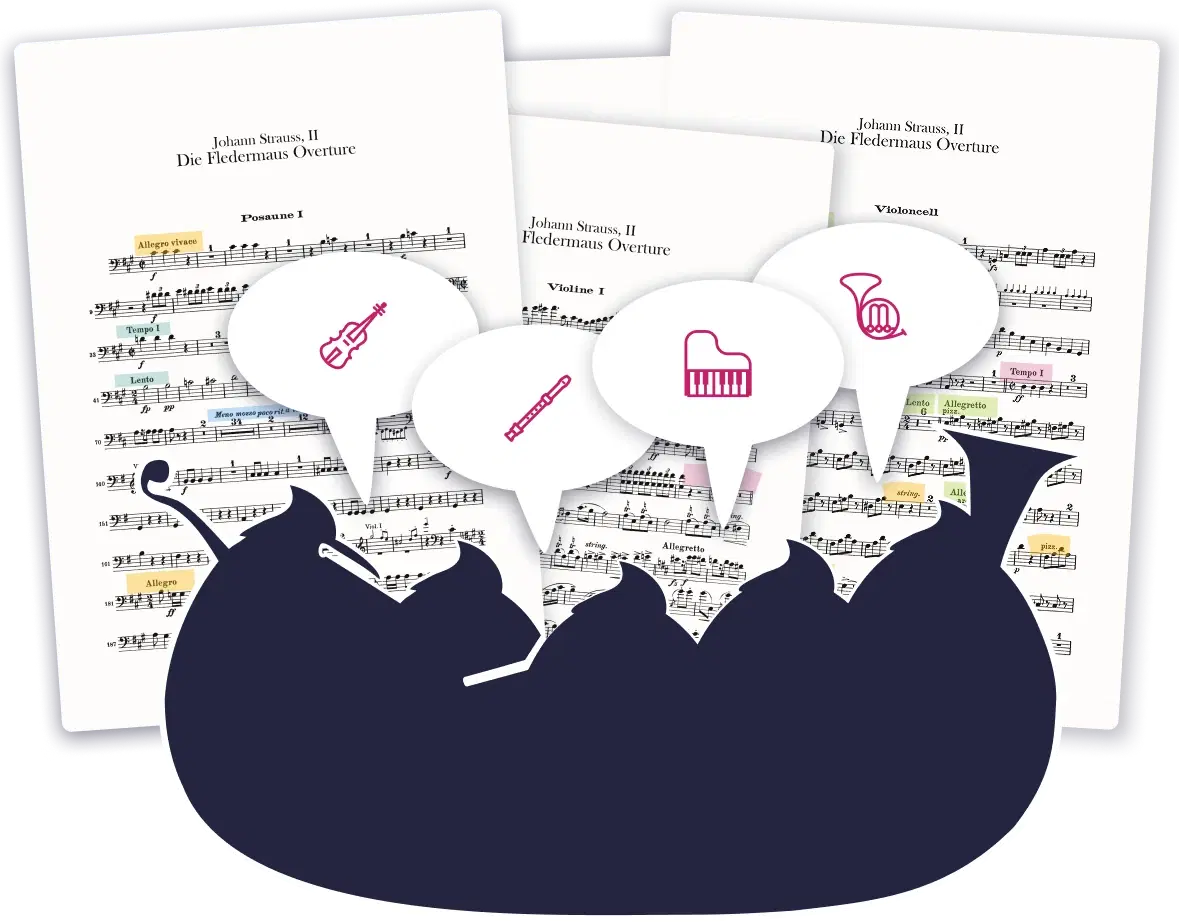
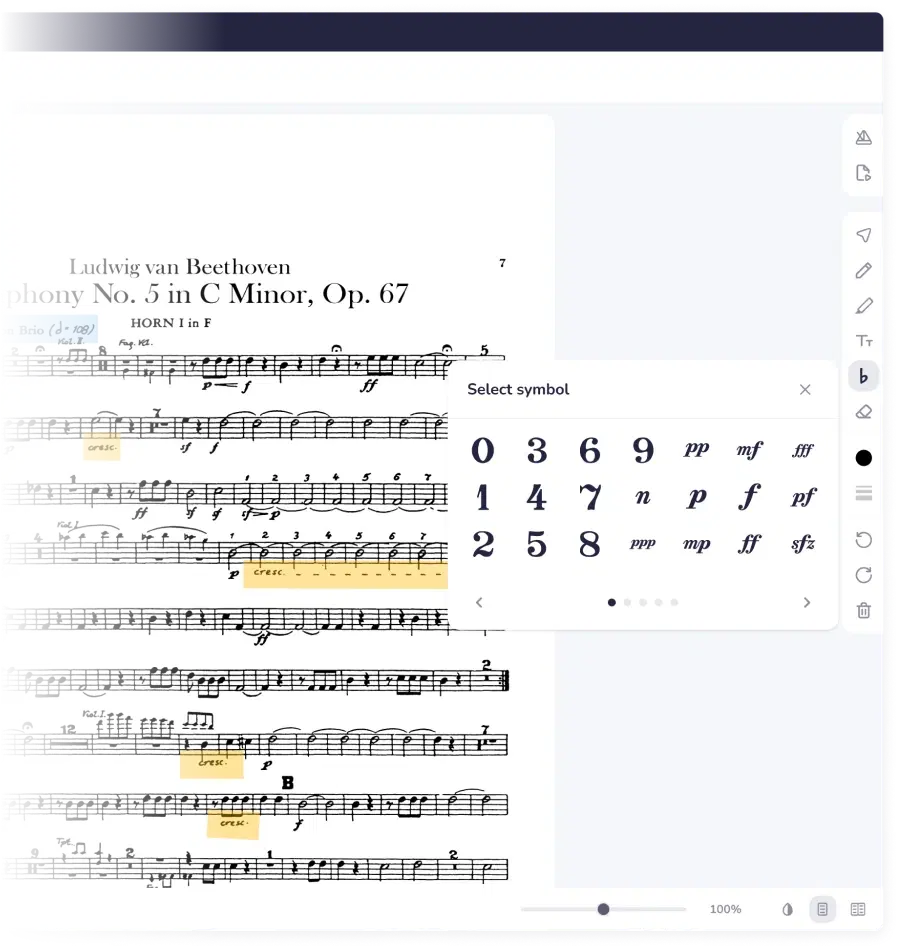
The conductor or librarian publishes a layer of markings. Bowings, cuts and dynamics appear on every part and update live. Each musician keeps private markings that only they see.
Keep everyone in the loop
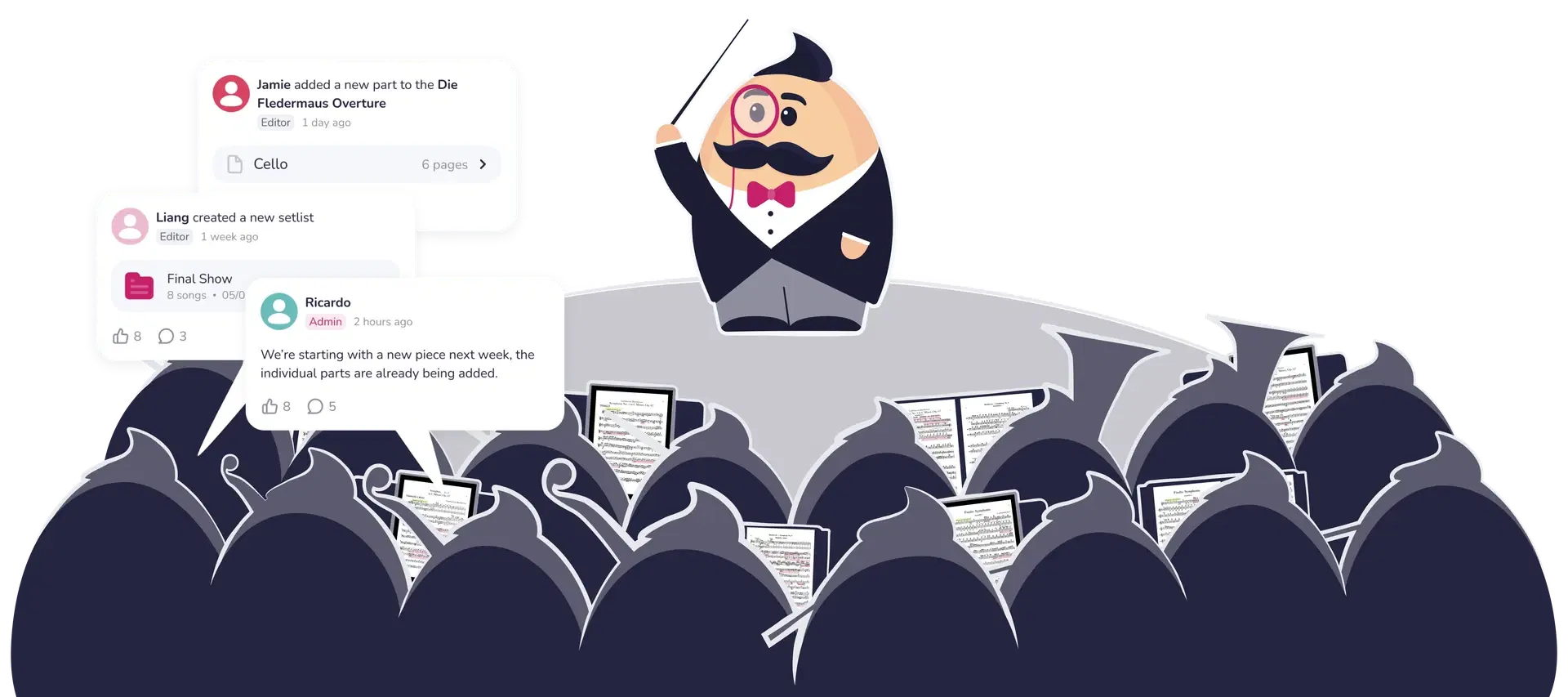
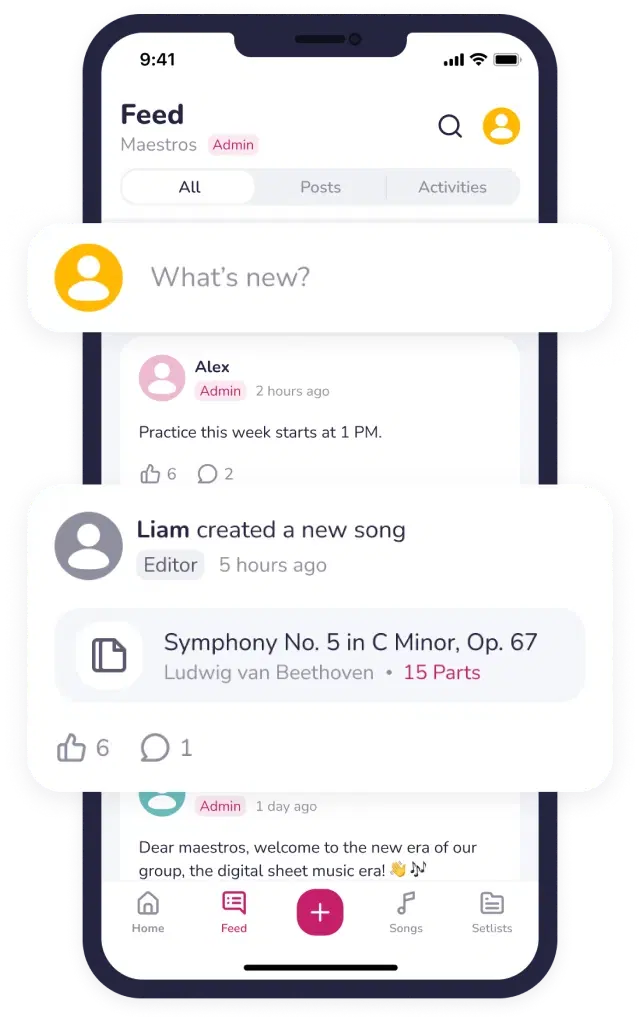
Post announcements, share practice notes and follow every music update in the ensemble feed.
Ready to transform your ensemble's workflow?
Join thousands of musicians who keep their ensembles rehearsal-ready with Maestro Amadeus.